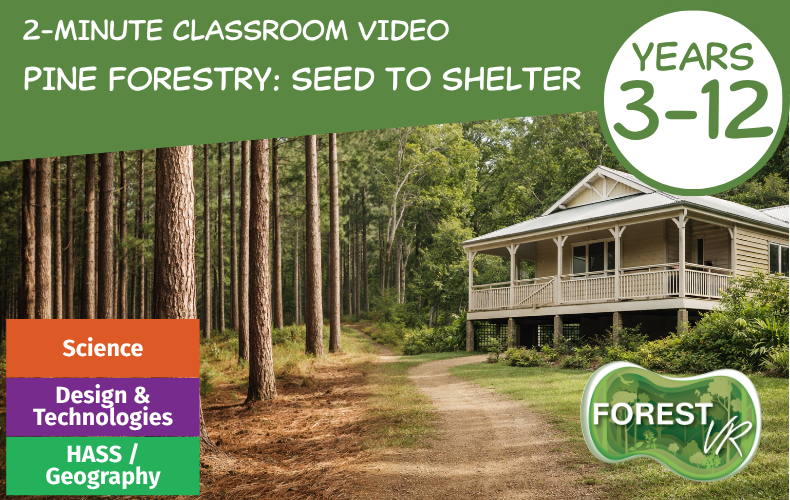
Pine Forestry Story: Seed to Shelter (2-Minutes)
Lesson Overview:
Step inside a working pine forest to see how timber moves from seed to shelter! This 360° ForestVR™ immersive experience shows the full renewable forestry cycle and can be viewed using an iPad, laptop, smart phone or via a VR headset.
Follow along as growing seedlings and planting, through careful management and harvesting, to building the homes, schools, and workplaces we use every day.
Ideas for the classroom:
- A great classroom tool to spark curiosity about sustainable forestry, renewable resources, and future careers in the forest and wood products industry.
- Fantastic for a quick overview in the classroom or at community events.
USING IN THE CLASSROOM TIP:
The 360 Virtual Tour can be used in the classroom to compliment the video experience, with the 360 photos containing embedded information hotspots to allow students more time to reflect and observe the virtual environments after viewing the virtual video experiences.
Seed to Shelter – 2-minute Virtual Video Experience
Tips to view:
- Press the Settings wheel bottom right of screen and select resolution to 1080p
- Press Full Screen Mode button to view at full screen
- Press the forward arrow to start playing
- Use your mouse to click and drag to view full 360 vision
Vimeo Video Direct Link: Vimeo Pine Forest Story: Seed to Shelter
YouTube Video Direct Link: YouTube Pine Forest Story: Seed to Shelter
360 Virtual Tour – Seed to Shelter
To view the full forest and wood processing cycle contained in Seed to Shelter VR experience, view both the Renewable Pine Forest Story tour and the Log to Lumber milling tour in succession.
The Renewable Pine Forest Story Virtual Tour
Log to Lumber – Pine Milling Virtual Tour
Tips to viewing 360 virtual tours:
- Viewing options – to change the screen view of the tour, in the top right corner, press the 3 dot icon, and select Full Screen Mode for full screen viewing. Choose the following viewing options depending on how you will view the experience:
iPad or computer Google Cardboard or other headset Use your mouse to click and drag the image to view full 360 vision. If your headset is capable of viewing 360 mode, select “WebVR mode”. NOTE: This tour is also available via the Roundme APP to use on your smart phone in a cardboard or plastic headset devide via IOS and Google Play.
- Hover your mouse, or use your headset clicker/pointer, over the “i circle” hotspots to view more information about particular key elements of the photo.
- Within each panorama 360 photo on the tour there are embedded portals to take you to the next panorama 360 photo in the tour (upside down photo sphere tear drop icons). Click on these once you have finished in one scene to take you on the next step of the journey.
Year Level/s:
Key Curriculum Areas / Subject:
National Curriculum Codes:
N/A
Strand Content Description:
N/A
General Capabilities:
Cross Curriculum Priorities:
Curriculum Connections:
ScOT Catalogue Terms:
Theme/s:
Resource Type/s:
Primary:
MultimediaSecondary:
Ed Tech (VR/Drones)